Every booking email has a link to view or change your booking. It's private to you, so there's nothing to sign in to. Open it to see your booking's details, what it costs, and whether it's paid.
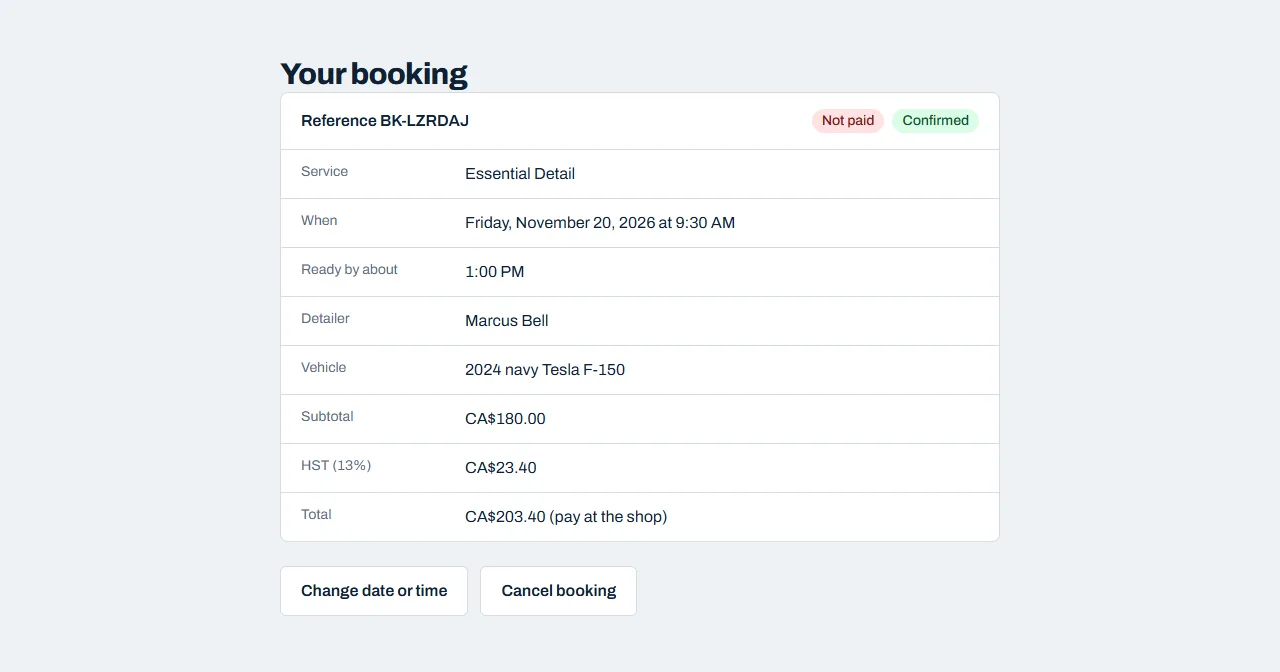
Moving to another day or time
- Click Change date or time.
- Pick a new day, then a new start time.
- Click Move my booking.
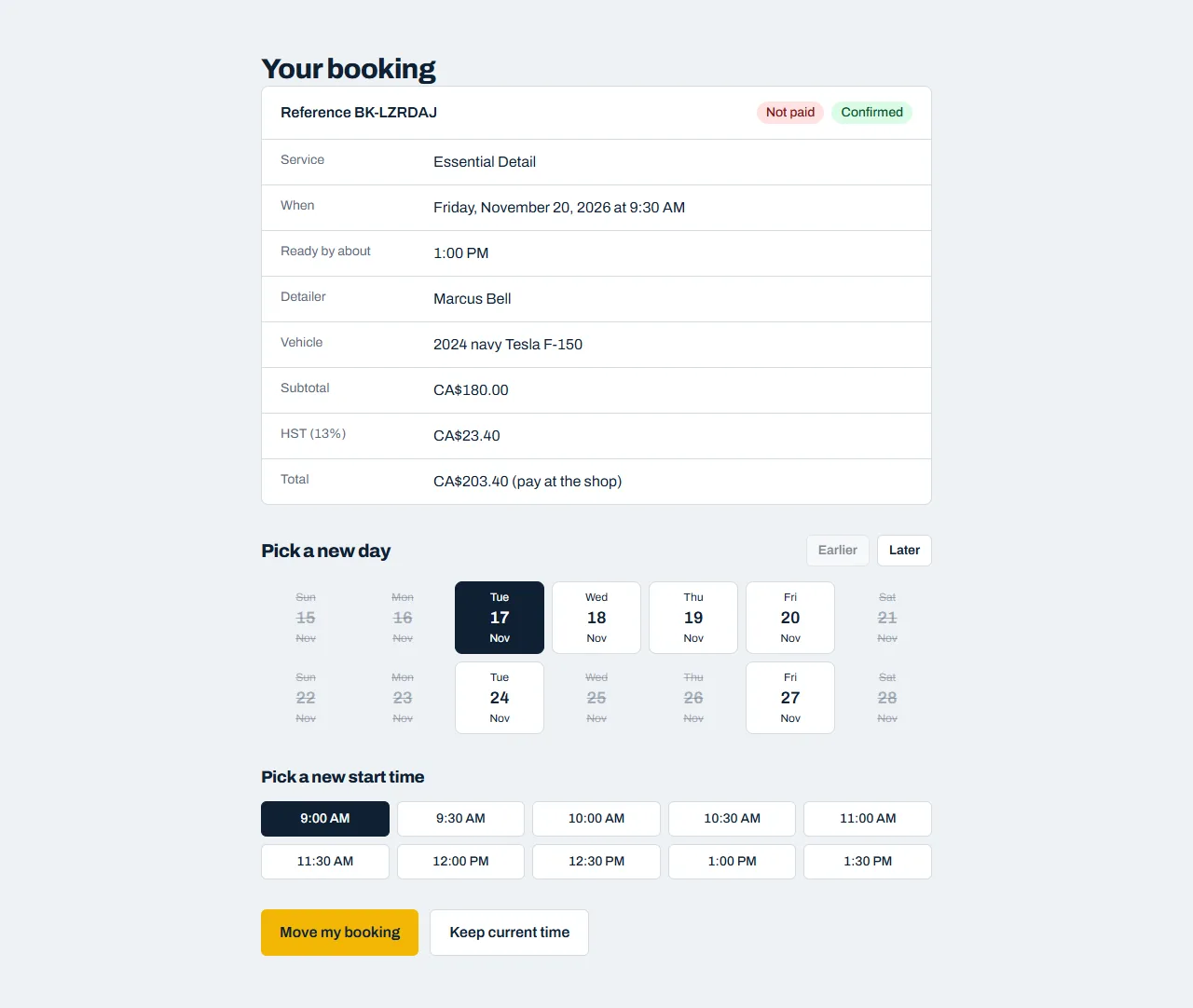
We'll email you the new details. Changed your mind? Click Keep current time.
Cancelling
- Click Cancel booking.
- Tell us why if you like (it helps us improve), then click Cancel booking again to confirm.
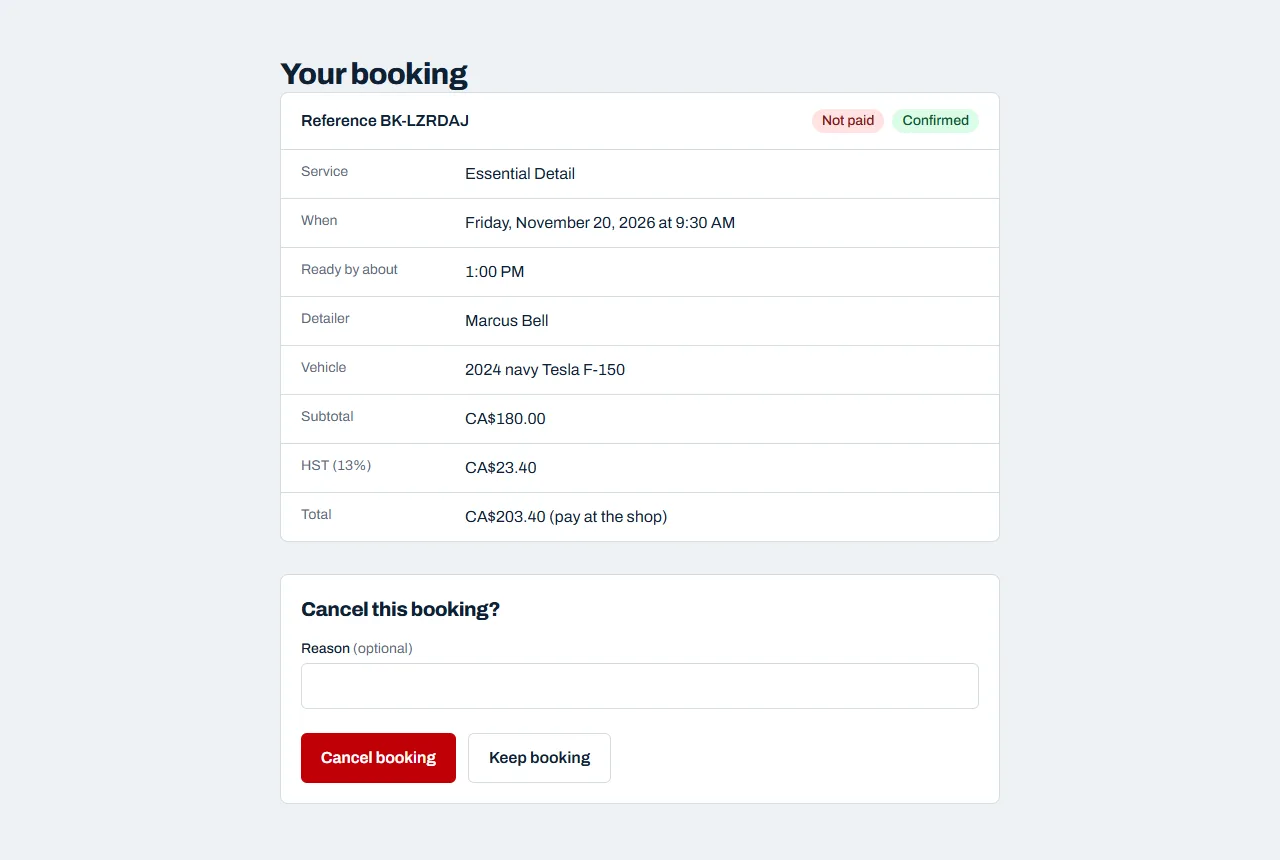
If you paid anything online, it's refunded to your card automatically. We'll email you to confirm the cancellation.
When you can't change online
You can change or cancel online up to a cutoff before your appointment (usually 24 hours). After that the buttons disappear. Please call us instead and we'll sort it out.
If you booked with a deposit but haven't paid it yet, you'll see a Pay button to finish paying. You can cancel, but you can't move the booking until it's paid.
Lost the email?
Call or email us and we can send you the link again.